topmost

Great Chance to Invest in H2 Success at Mid-year Sale

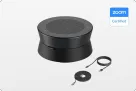
No Installer, No Hassle, Just Works with Nearity 360 Alien

Unlock $300 Worth Free Shipping?

Go Big and Beyond with the New Win11 Pro NearHub Board!

NearHub Board S55

$2,599$3,299
Overview
Spec
FAQ

The Ultimate All-In-One Smart Board for Seamless Collaboration

All-in-one huddle room solution for hybrid teams. Built for next-level visual communication and interactive whiteboard collaboration.

  • Hybrid collaboration on free infinite canvas

  • Connect your team with built-in Zoom or Teams within 10 seconds.

  • AI enabled immersive gallery view with built-in 24-mic and 4K camera

  • ALL-IN-ONE COLLABORATION HUB: NearHub combines a smart digital whiteboard (with built-in camera & mics) and whiteboarding software to build an open ecosystem with enterprise-grade data protection. A single smart board enables video conferencing, screencasting, annotation, real-time collaboration, and more. Meet, ideate, brainstorm, and present, all in one device.

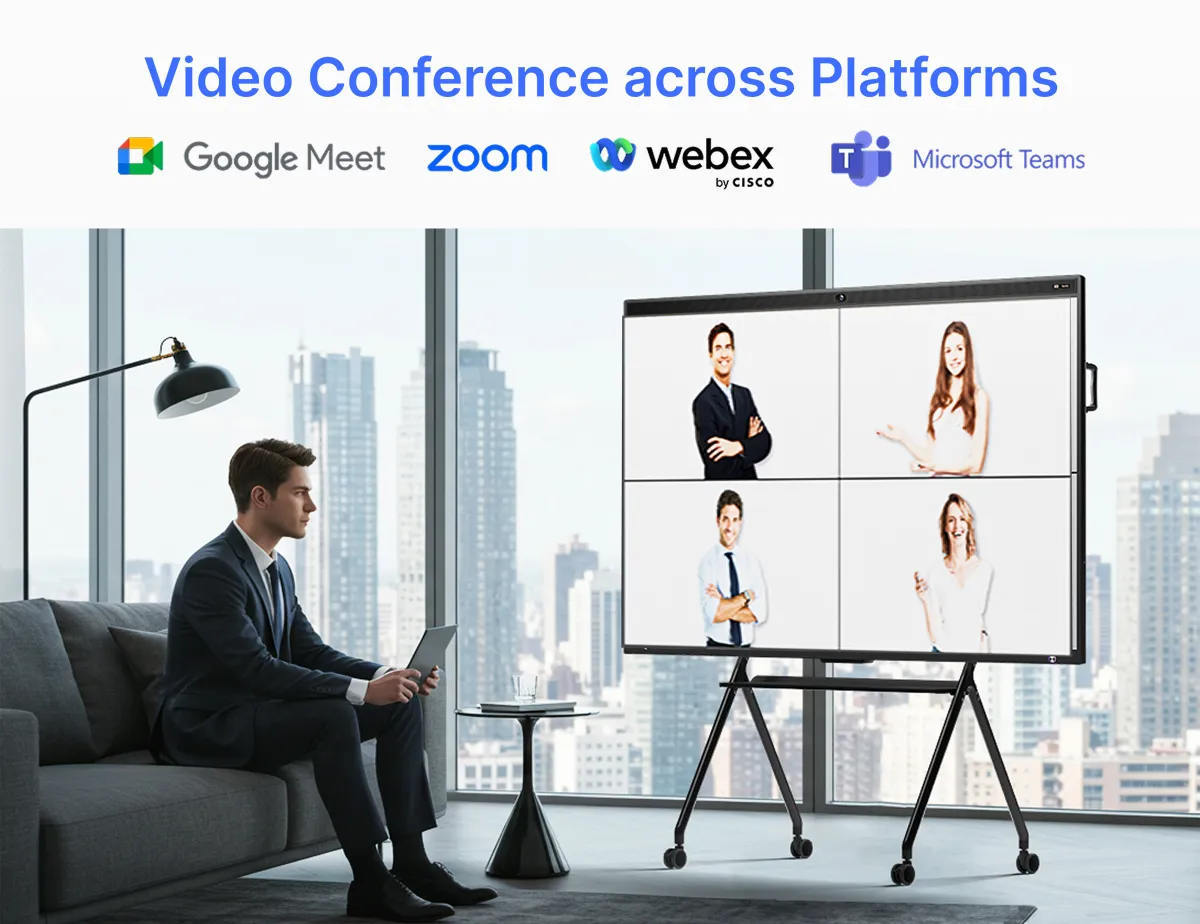
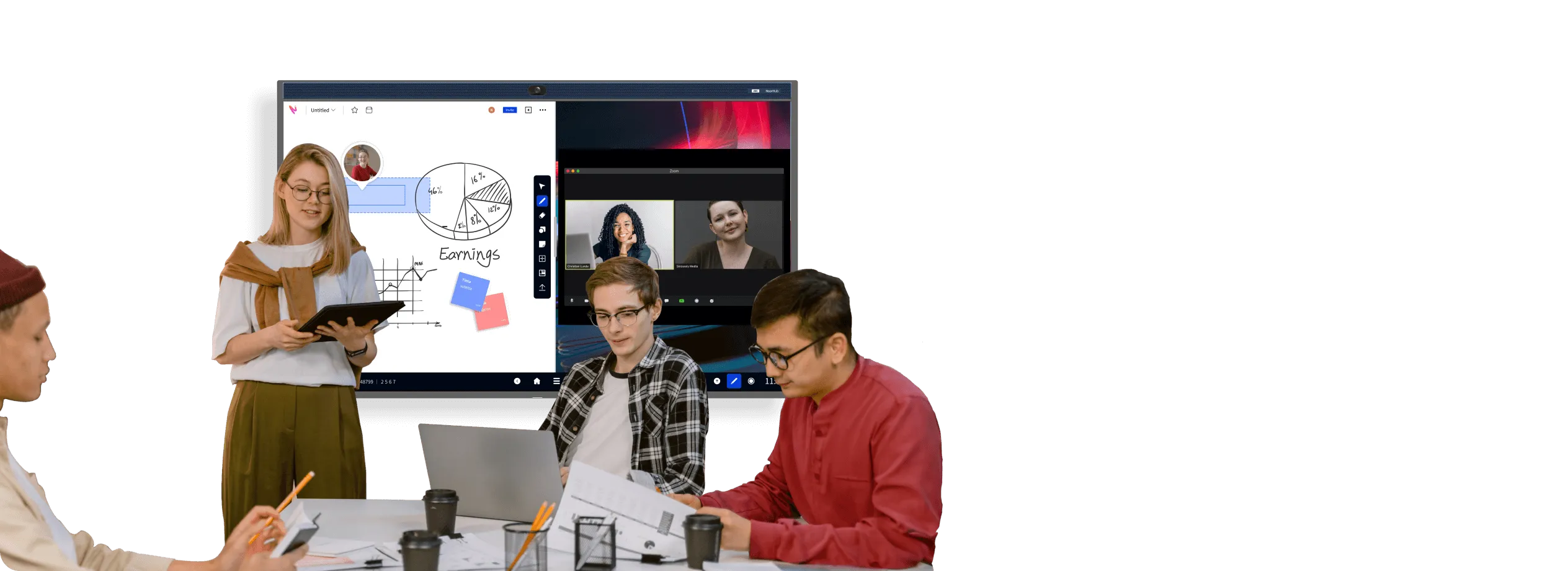
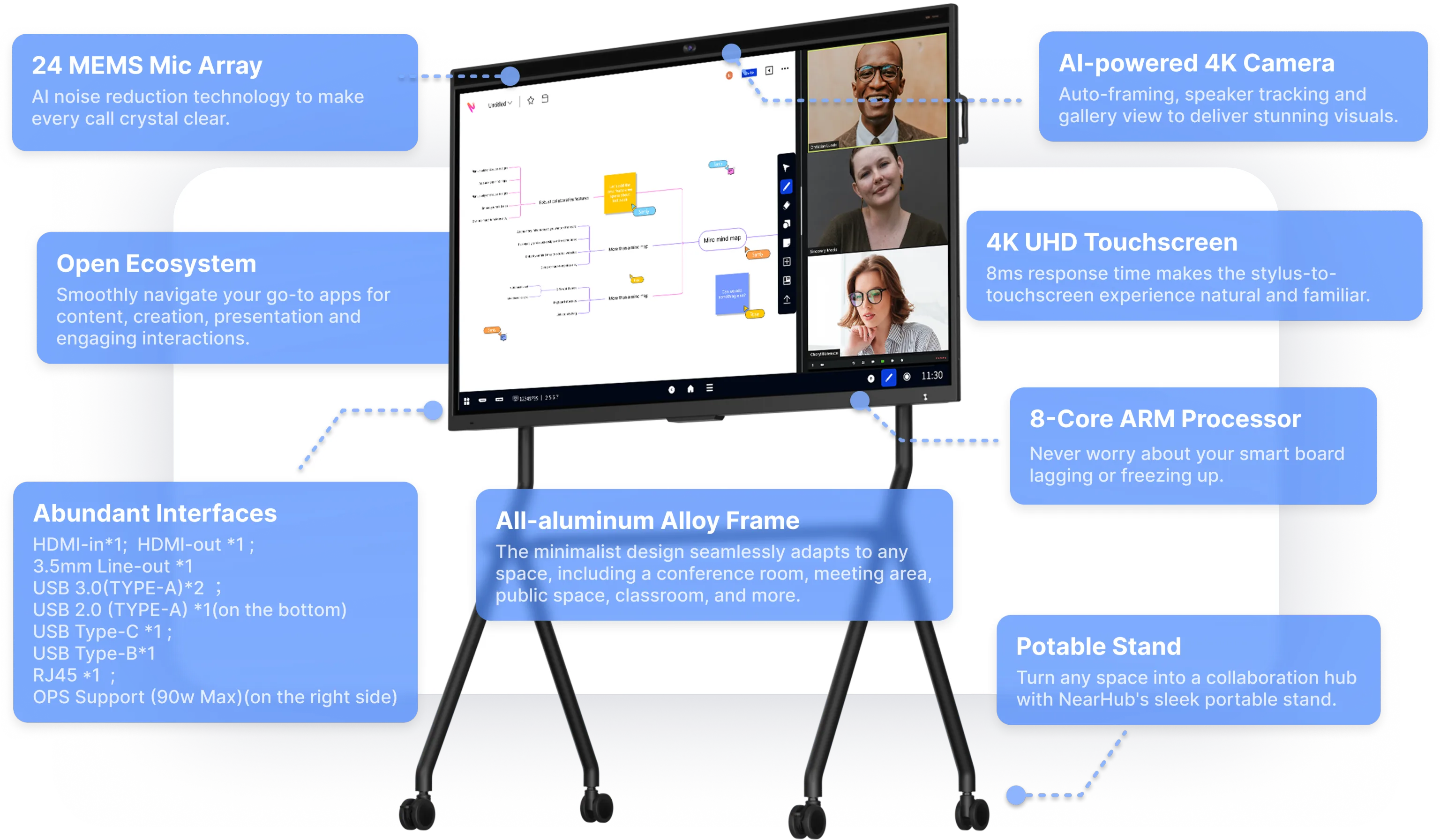
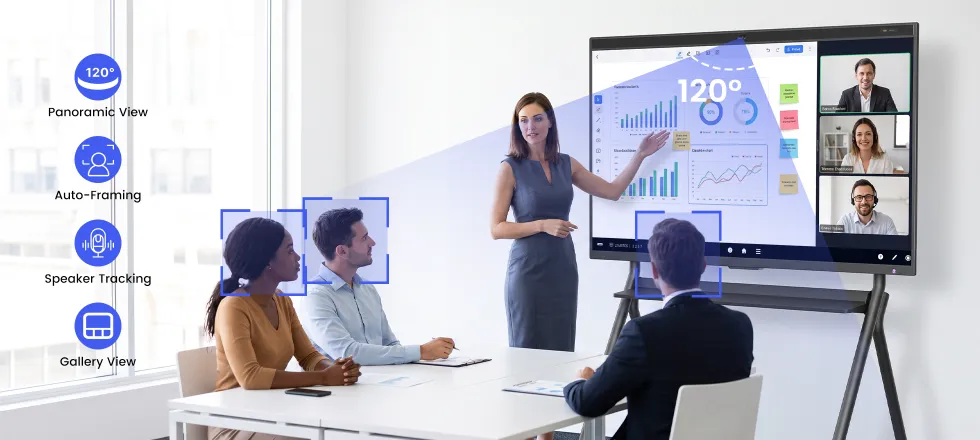
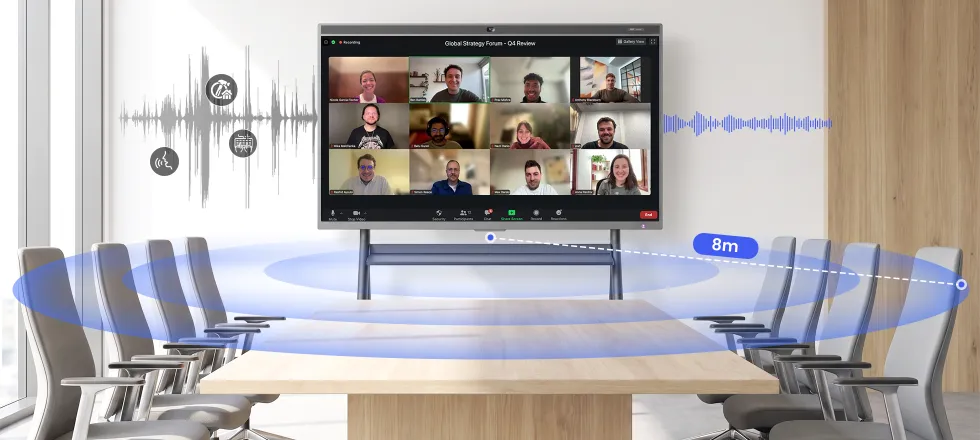
  • IMMERSIVE MEETTING THAN EVER: With the beamforming 24-element microphone array and 120” wide-angle 4K AI camera, NearHub Board offers versatile camera modes including Gallery View, Speaker Tracking, and Auto Framing to create a more immersive hybrid meeting experience on your interactive whiteboard.

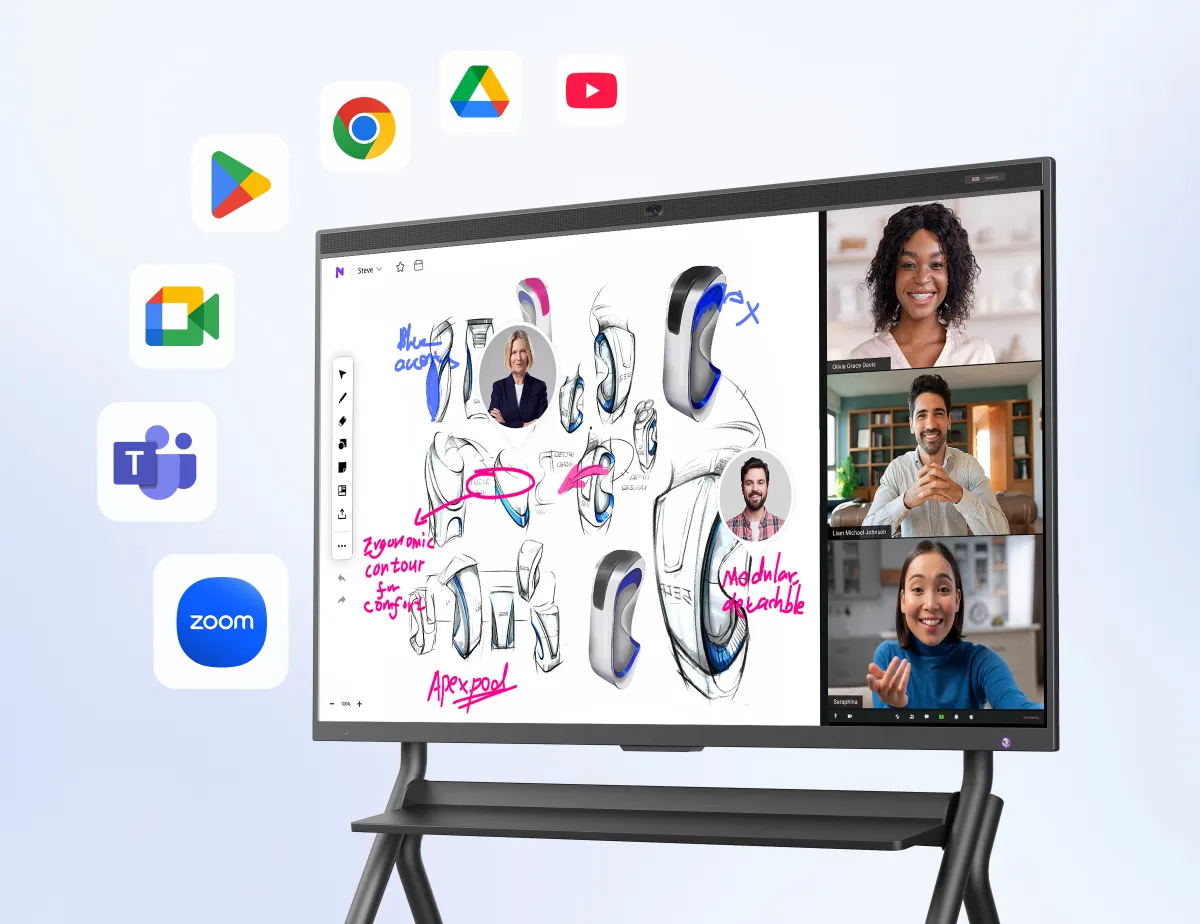
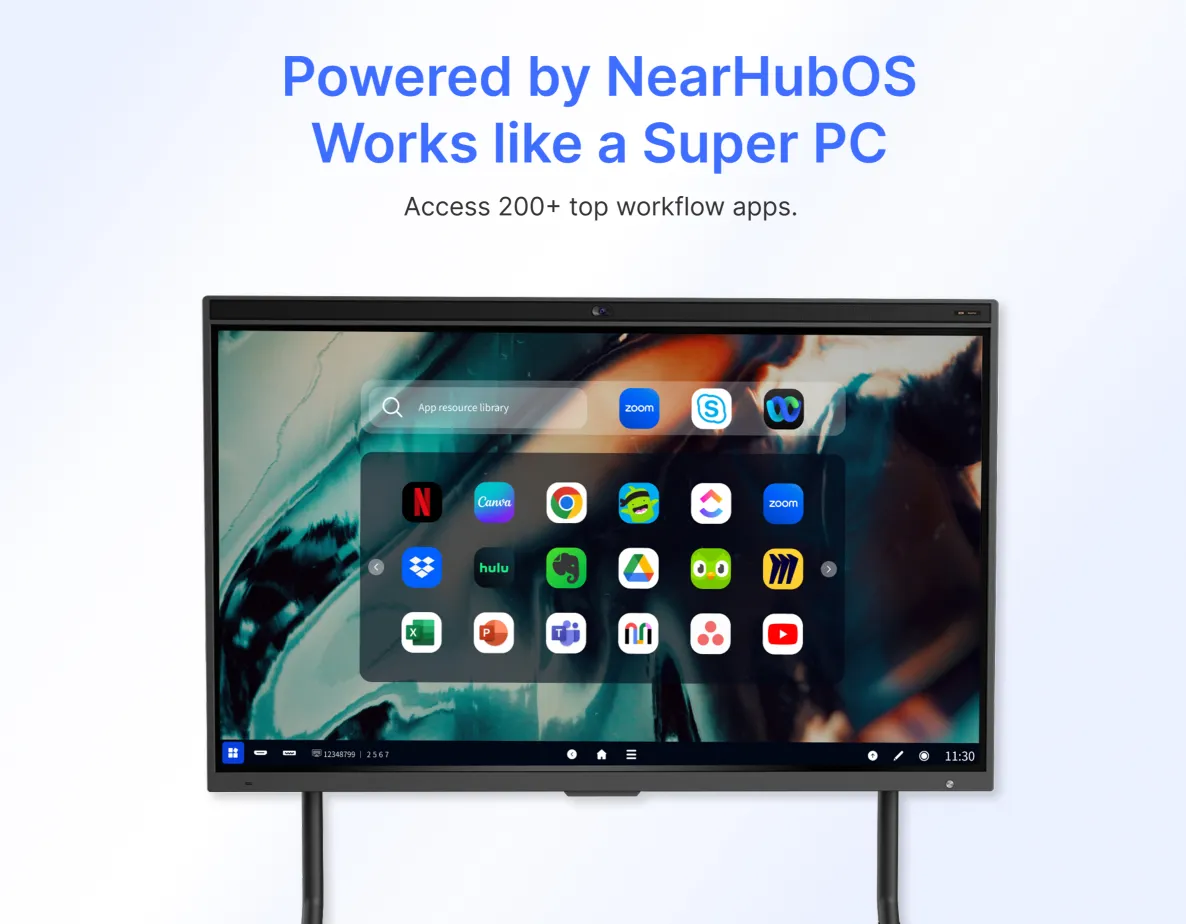
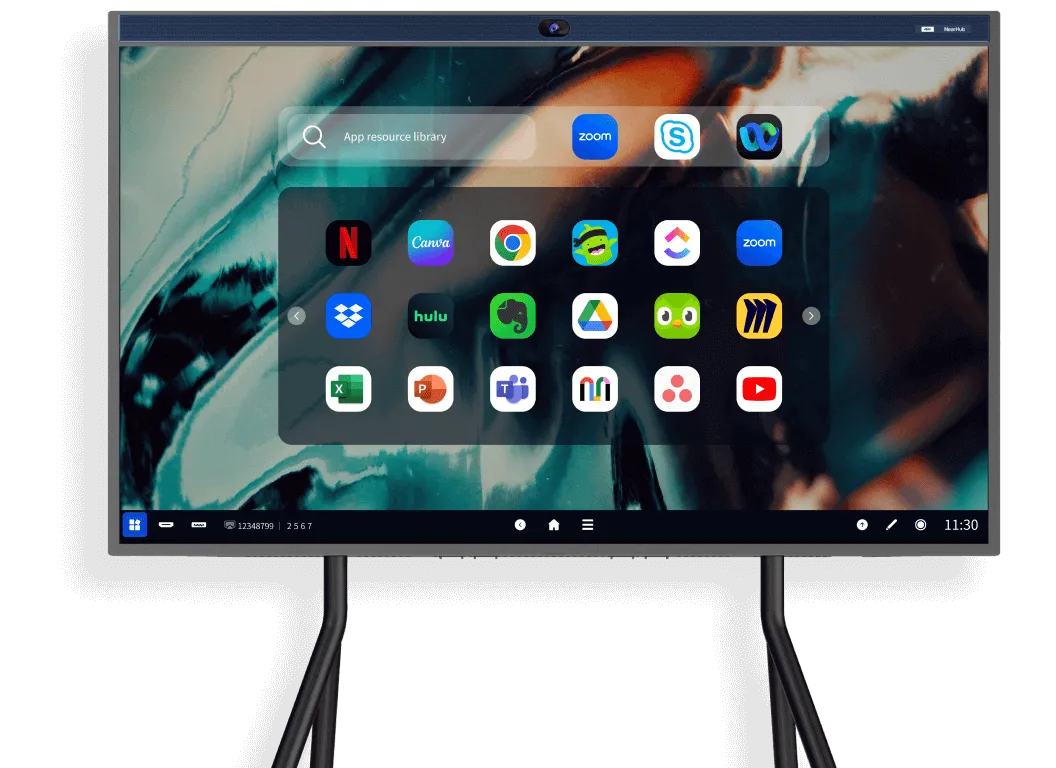
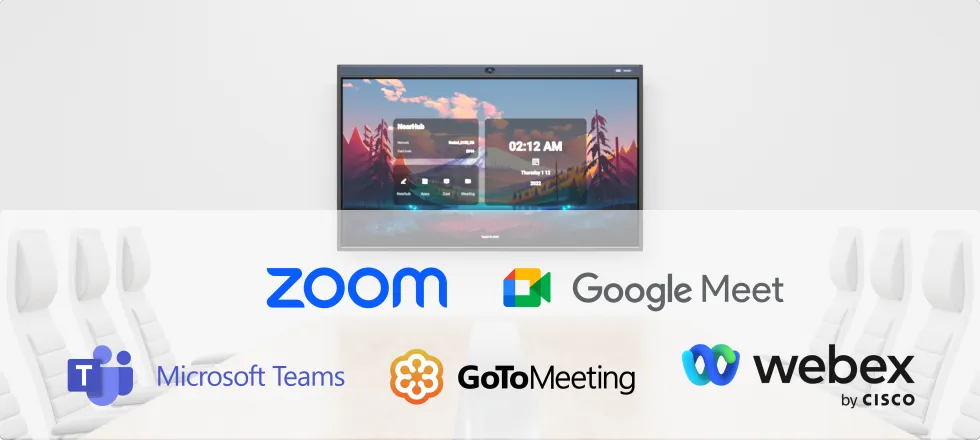
  • ROBUST APP ECOSYSTEM: NearHub’s open ecosystem allows you to use the apps that your team already knows and loves from the NearHub App Store or Google Play, including video conferencing software like Teams, Zoom, Google Meet, and WebEx, office software like MS Office and Adobe, smart teaching tools like Sudoku, Chess, Kahoot!, and ABC Mouse, and stream software like YouTube, Hulu, Netflix, and Prime Video.

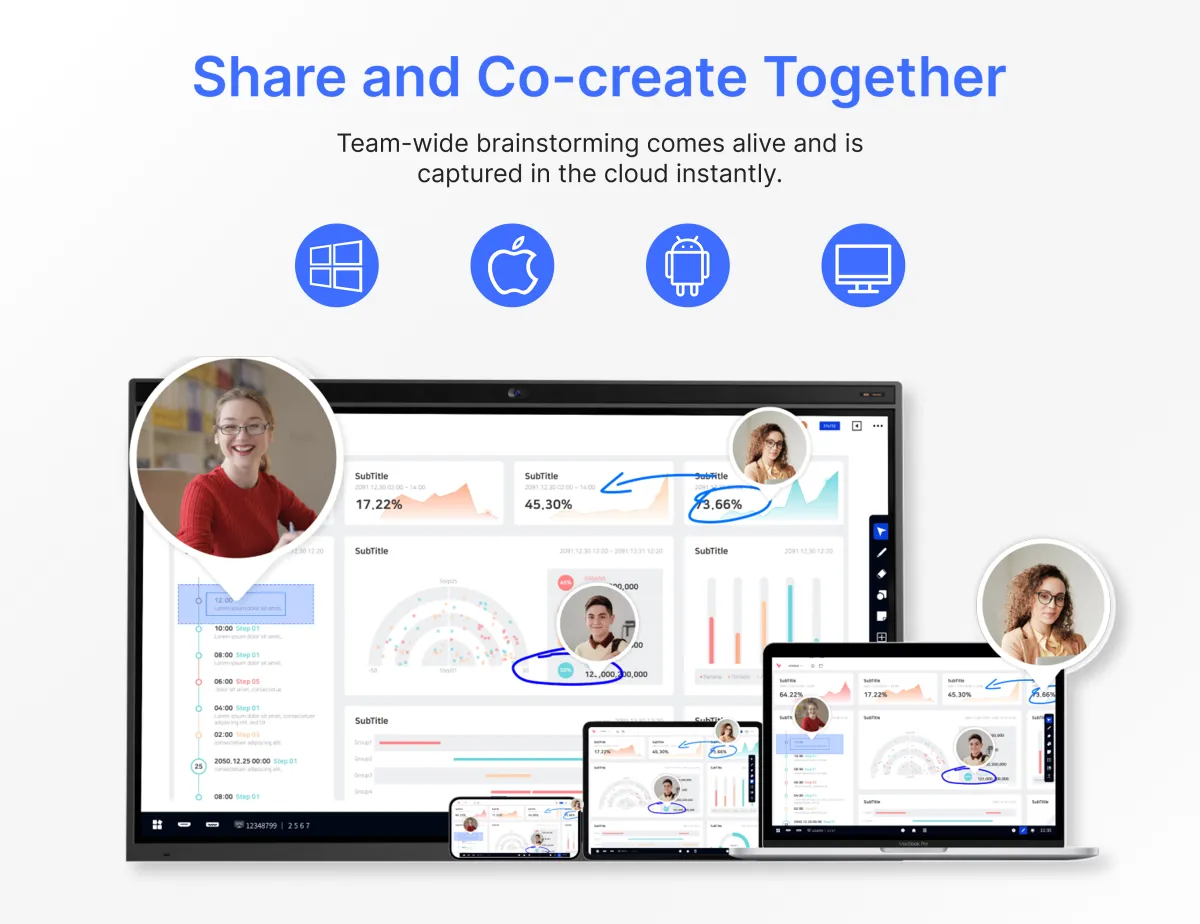
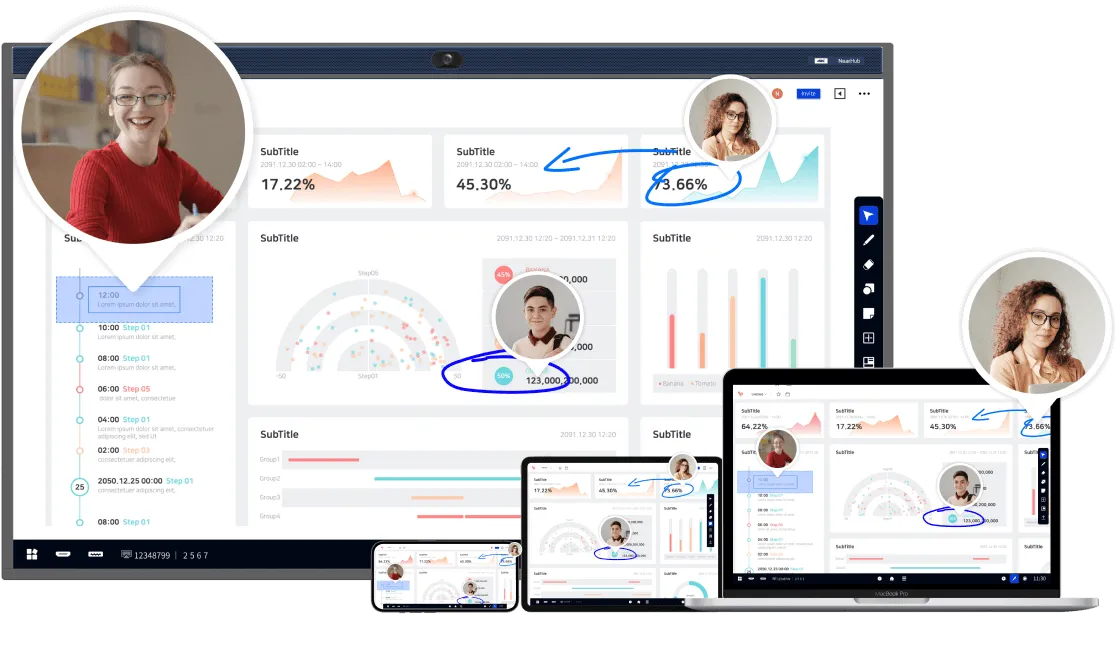
  • CLOUD-BASED WHITEBOARD: NearHub Canvas offers multi-device support, allowing seamless collaboration on a digital whiteboard, web browser, tablet, or phone from anywhere. Collaborators can add feedback and ideas using comments to drive team discussions effectively. NearHub's 8ms response time ensures a natural pen-to-paper writing experience on your smart interactive whiteboard.

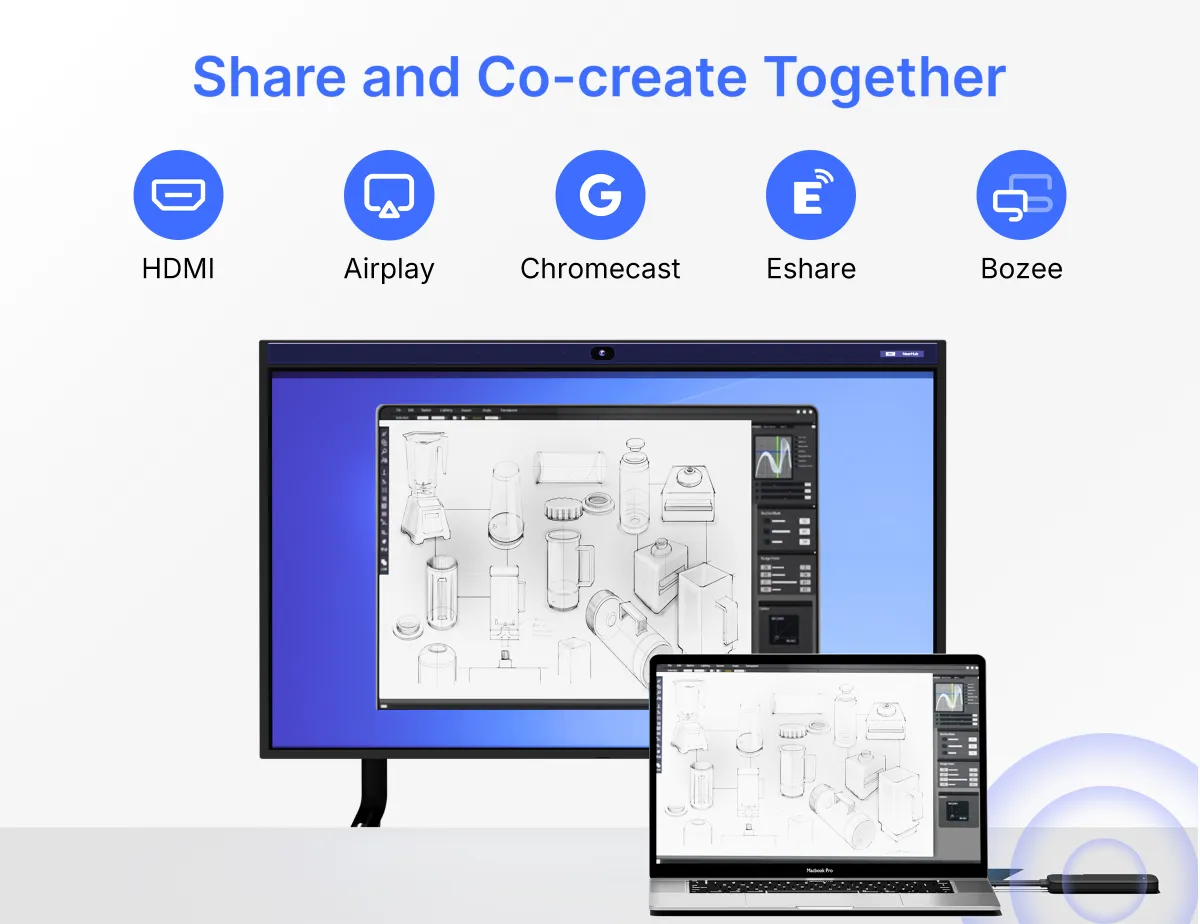
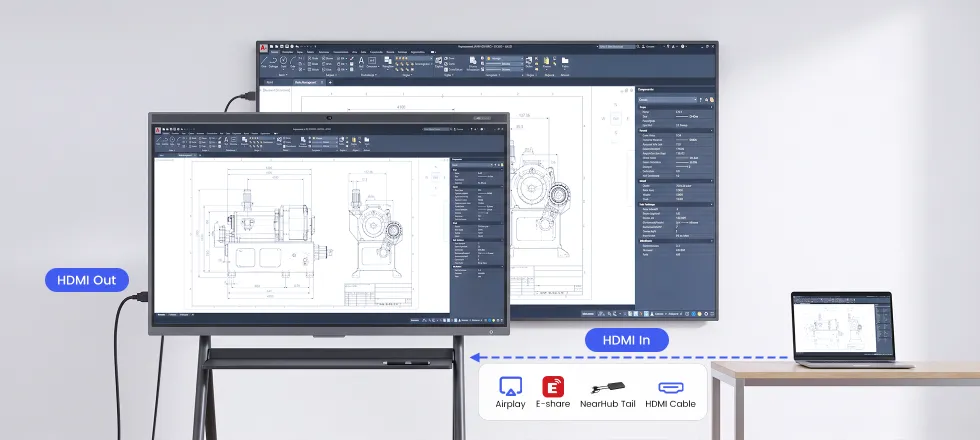
  • PRESENTATION AND ANNOTATION: NearHub Board supports up to 9 users to screencast simultaneously via Airplay, Chromecast, Eshare, USB Display, or by connecting via HDMI. You can easily take notes and annotate on images, documents, and screencast interfaces for better idea illustration, like a whiteboard digital marker.

View More
  • Hybrid collaboration on free infinite canvas

  • Connect your team with built-in Zoom or Teams within 10 seconds.

  • AI enabled immersive gallery view with built-in 24-mic and 4K camera

  • ALL-IN-ONE COLLABORATION HUB: NearHub combines a smart digital whiteboard (with built-in camera & mics) and whiteboarding software to build an open ecosystem with enterprise-grade data protection. A single smart board enables video conferencing, screencasting, annotation, real-time collaboration, and more. Meet, ideate, brainstorm, and present, all in one device.

  • IMMERSIVE MEETTING THAN EVER: With the beamforming 24-element microphone array and 120” wide-angle 4K AI camera, NearHub Board offers versatile camera modes including Gallery View, Speaker Tracking, and Auto Framing to create a more immersive hybrid meeting experience on your interactive whiteboard.

  • ROBUST APP ECOSYSTEM: NearHub’s open ecosystem allows you to use the apps that your team already knows and loves from the NearHub App Store or Google Play, including video conferencing software like Teams, Zoom, Google Meet, and WebEx, office software like MS Office and Adobe, smart teaching tools like Sudoku, Chess, Kahoot!, and ABC Mouse, and stream software like YouTube, Hulu, Netflix, and Prime Video.

  • CLOUD-BASED WHITEBOARD: NearHub Canvas offers multi-device support, allowing seamless collaboration on a digital whiteboard, web browser, tablet, or phone from anywhere. Collaborators can add feedback and ideas using comments to drive team discussions effectively. NearHub's 8ms response time ensures a natural pen-to-paper writing experience on your smart interactive whiteboard.

  • PRESENTATION AND ANNOTATION: NearHub Board supports up to 9 users to screencast simultaneously via Airplay, Chromecast, Eshare, USB Display, or by connecting via HDMI. You can easily take notes and annotate on images, documents, and screencast interfaces for better idea illustration, like a whiteboard digital marker.

View More
$2,599$3,299 Get $700 off
Get $700 off
Get Code
Buy Now Book a Demo

Save 20% or more for bulk order

Contact Sales
FREE deliveryAugust 9 - August 17 PREMIUM deliveryAugust 5 - August 9
Safe & Secure
Pay with Ease
Trusted Delivery

Product

Details

Scenario

Reviews

Safe & Secure
Pay with Ease
Trusted Delivery

Trusted By Over 86,000+ Forward-looking Business Leaders and Educators

TrainingEducationBusinessHospitalitySportsMedicareNon Profit
  • “What really stands out is how quickly I can set it up and start using it — no complicated setup, just plug it in and it’s ready to go. It’s become an essential part of my production process, from planning shoots to presenting visual concepts to audience.”

    Chris Farman
    Content Creator and Visual Storyteller
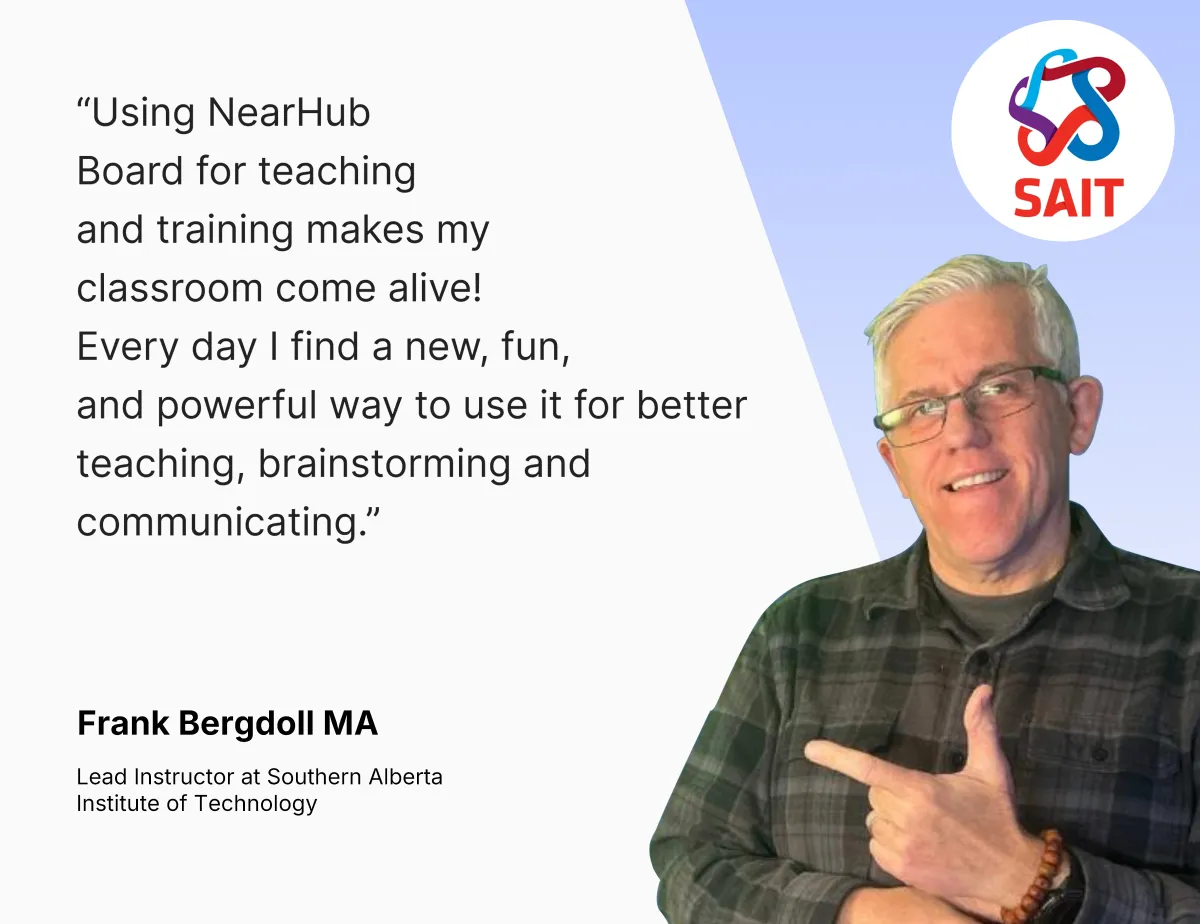
  • “Using NearHub Board for teaching and training has made my classroom come alive! Every day, I discover a new, exciting, and powerful way to use the interactive whiteboard for teaching, brainstorming, and communicating. It's been an incredible asset in making lessons more engaging and effective.”

    Frank Bergdoll MA
    Lead Instructor at Southern Alberta Institute of Technology
  • “NearHub integrates seamlessly with any conferencing platform. We use Teams on the NearHub Smart Board for meetings across teams, and it’s drastically improved the efficiency of our remote collaboration. The ability to switch between applications easily makes it a true game-changer for our team.”

    Hutoxi Irani
    H.R. /Finance at ColorTokens, Inc.
  • “Since adopting NearHub in three of our meeting rooms, our hotel’s revenue from key clients has increased by over 80%. Investing in the digital whiteboard has been the best decision we’ve made. The smart features, like video conferencing and live collaboration, have helped us elevate client meetings and presentations to a whole new level.”

    Melissa Thomas
    Owner at Los Gatos Garden lnn
  • “The ability to annotate on the board has been a game-changer for me. It’s now so much easier to pinpoint areas for improvement, correct techniques, and ensure my students grasp the nuances of each move. This interactive digital whiteboard has really enhanced the way I teach.”

    Coach for six well-known wrestling clubs in South California
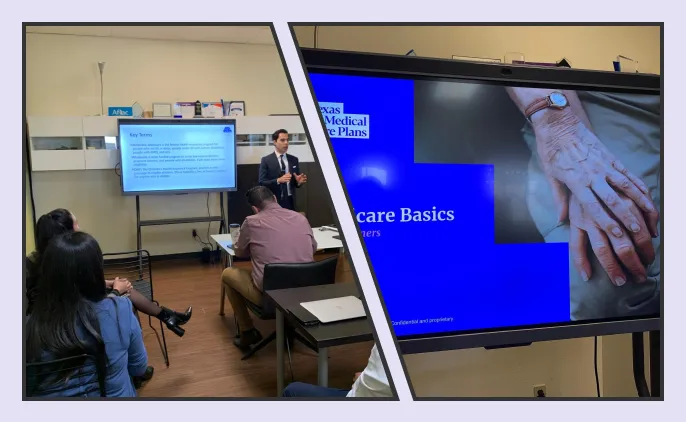
  • “A powerful tool that’s revolutionized how we collaborate and learn during team trainings and meetings. The smartboard with features like virtual meeting rooms, seamless screen sharing, live chat, and session recording has boosted collaboration and productivity in ways we didn’t think possible.”

    Texas Medical Care Plans
  • “We’re thrilled to collaborate with AI technology (Midjourney, Eyegaze Inc., Discord, ChatGPT, NearHub) to transform learning for medically fragile children! The interactive electronic whiteboard has become an essential tool in helping us deliver specialized lessons in a way that’s both engaging and educational.”

    At A Rosie Place for Children

What is a NearHub Smart Board?

bg
nearhub

It’s a giant Android/Windows Tablet with all your go-to apps for productive work

NearHub Board could also install Windows system via OPS.

nearhub1-min video to learn why  86K+ customers choose NearHub
bg

It’s a digital whiteboard for hybrid collaboration freely-switching between online and onsite.

avatars
bg
nearhub
neahub s 3 main

It's a superior conferencing solution to bring teams even closer.

nearhub
neahub s 4 l bg

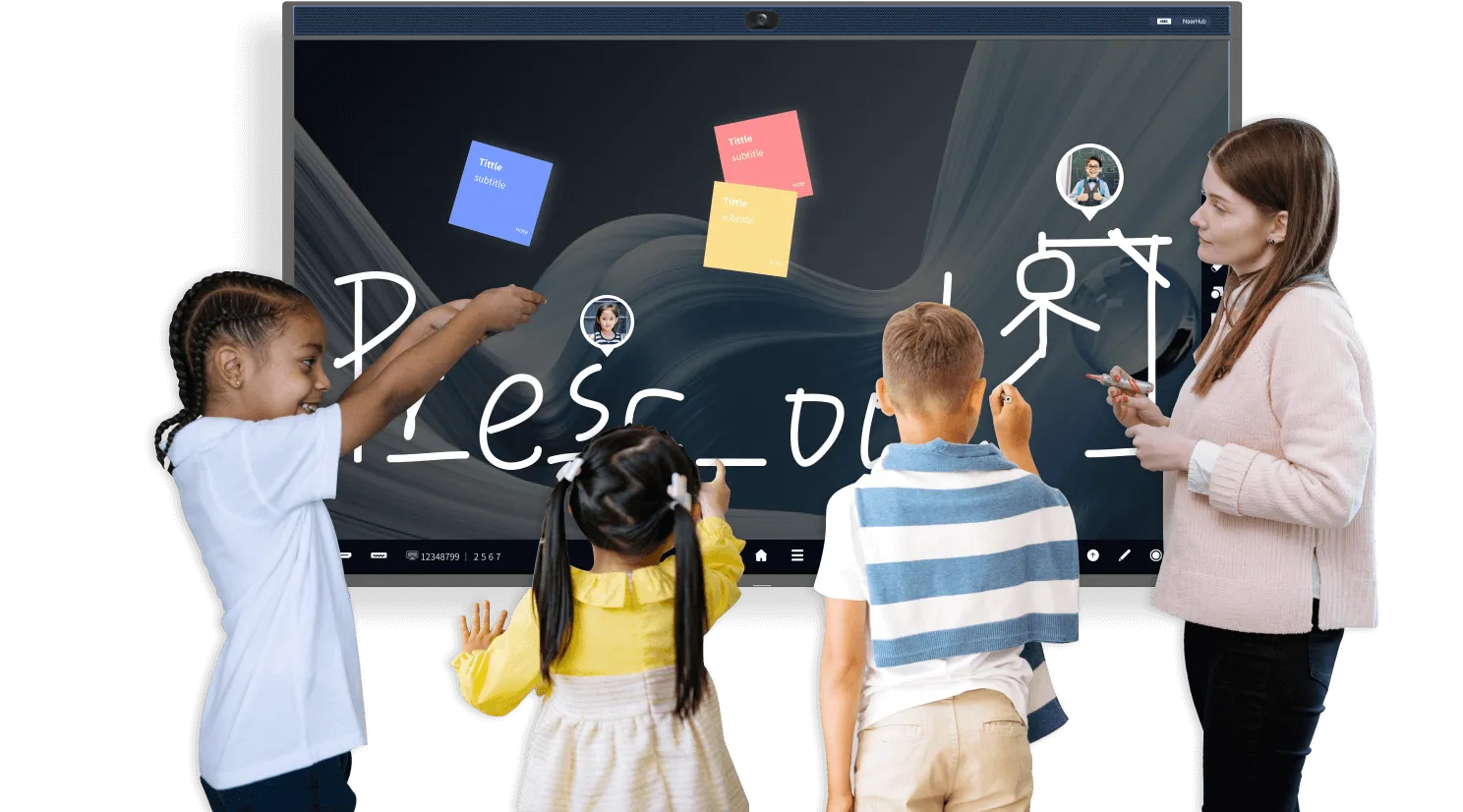
It’s an interactive touch screen monitor for teaching and learning, enhancing student engagement.

neahub s 4 l logo
neahub s 4 r bg
neahub s 4 l main
Book a Demo

Why 86,000+ Business Choose NearHub to Transform the Workspace?

All-in-one Hub
Infinite Canvas
Collaboration
Presentation

One Hub to Replace Things All

All-in-one collaboration hub
Streamlined workflow on one device
Permanently store your files and notes
Easy set-up
TV + dry-erase board + projector + computer + display
Managing cluttered papers and board photos
Disjointed workflow across countless devices
Heavy IT support and lots of cables
Infinite canvas, simplify ideas for creativity
Powerful template library, keep your work organized
Erase and restore notes at breeze
Run out of space
Meeting notes are too messy to read or understand
Erased notes cannot be recovered
Bring teams together, on-site or remote
Automatically save your work in the cloud, pick up where you left off
Leaving your comments in the whiteboard to visualize suggestions
Work in silos
Take photos after the meeting and put in extra work to organize notes
Send an email or message with suggestions and a photo
Engage your audience
Fun and interactive presentation with dynamic references
Annotate to better illustrate your ideas
One way output
Plain presentation
Limited to hand gestures and laser pointers
Book a Demo
Screen Share

Make Presentations Engaging

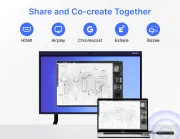
Engage your audience like never before through wireless and wired screen casting methods including Airplay, Eshare, USB Display, Chromecast, NearHub Tail and HDMI cable.
1
Hybrid Meeting

Make Meetings More Productive

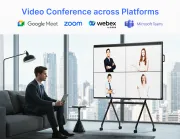
Create an immersive hybrid meeting experience in any space with the all-in-one smartboard powered by built-in 4K camera, 24-mic, and premiunm speaker.
2
Book a Demo
Whiteboard

Collaborate Across Devices

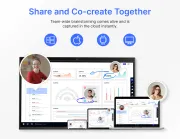
Ignite team-wide creativity with NearHub Canvas whiteboard. Capture and collaborate on ideas instantly in the cloud.
Powered by NearHubOS

Streamline Your Workflow

The simple power of NearHubOS makes meetings more meaningful, real time collaboration more engaging, and presentations more impactful.
2

Tech Spec

  • Dimensions

    Product Dimensions: 1271(W) 773(H) 78(D)mm

    Package Dimensions: 1390(W) 902(H) 188(D)mm

  • Weight

    Product Weight: 57 lb

    Gross Weight: 69 lb

  • Resolution

    3840 x 2160 (4K) @ 60Hz

  • Operating System

    NearHubOS (Based on Android) Windows (with OPS)

  • Compute

    Arm A311D2 Processor, 8-core 4.2GHz frequency 8GB DDR4, 128GB EMMC

  • Display

    16:9 aspect ratio

    10-bit color depth

    Anti-glare

    Brightness: Typ 350cd/㎡; min

    300cd/㎡

    6.5ms response time

    178° (H) / 178° (V) viewing angle

  • Wireless

    Wi-Fi 6: IEEE 802.11ax/ac/a/b/g/n Compatible

    Bluetooth®️ Wireless 5.2 technology

  • Audio

    24-element 180°microphone array

    Ambience Noise Suppression

    Reverbration Suppression

    RT60<1S

    2*10W Speaker

  • Tail (optional)

    Product dimensions:

    225mm*56mm*18mm

    Transmission distance: 15m

    BYOM support

    Type-C or USB-A + HDMI

  • Camera (Built-in)

    Image Sensor: Sony CMOS,

    8.42MP (4K) 1/2.8 inch

    FOV: 120° (D), 110° (H), 75° (V)

    Speaker tracking / auto-framing / Gallery view

  • Connections

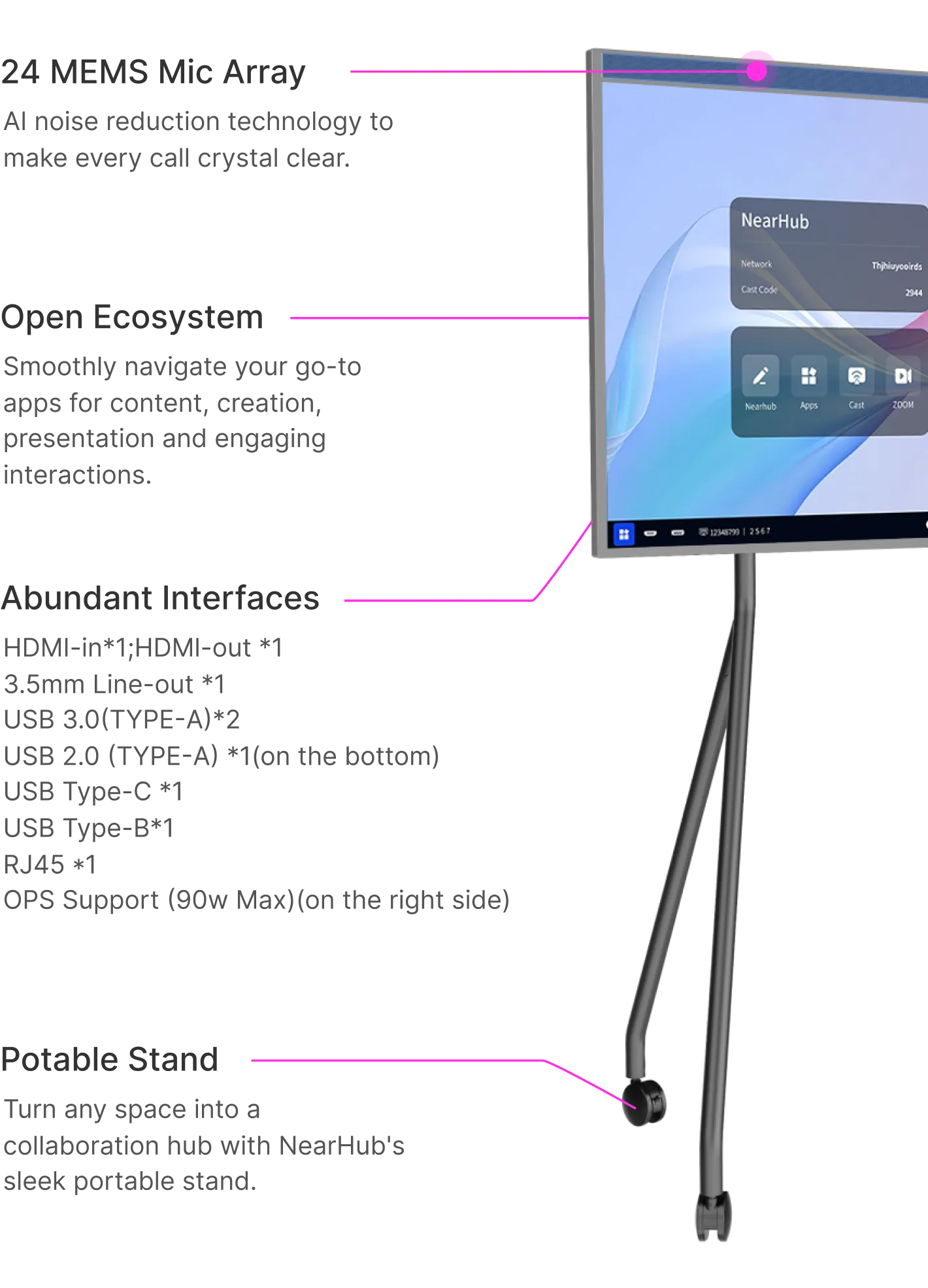
    HDMI-in*1;HDMl-out *1

    3.5mm Line-out *1

    USB 3.0(TYPE-A)*2

    USB 2.0 (TYPE-A) x 1(Bottom of large screen)

    USB Type-C *1

    USB Type-B*1

    RJ45 *1

    OPS Support (90w Max)(on the right side)

  • Touch

    Infrared multi-touch technology

    20 simultaneous touch points

    Response time: < 8ms

    Refresh rate: 130Hz

    Minimum identifiable object 2mm

    Pen gap 25mm(diameter 3mm)

    Protection tempered glass: 2mm

    Touch Accuracy ≤ ± 1mm

    Writing points 5*2mm

  • Portable Stand (Optional)

    Package size: 1265 × 865 × 215mm

    Package weight: 30 lb

  • Power

    AC 100-240V, 50-60Hz power source ≤ 200W Max power consumption

  • Warranty

    1-year hardware warranty

    Extended warranty service

Buyer's FAQ

Hardware
Software
Screencast

Customer Review

The Industry's Smart Board Leading Brand*

86Thousand+
86 Thousand+ organization Adopts NearHub device
140Countries
Available in 140 Countries
6Years of Innovation
Pioneer in A/V Technology for 6 Years

*In terms of retail value sales in 2020, 2021, and 2022.